I built a personal profile website with Claude Code in 117 prompts
I have spent around 1,500 hours learning to code over several years. I built this Jekyll blog by hand — HTML, Liquid, CSS, the whole thing. I understand how websites work.
So when I say I built dmytronayda.github.io using Claude Code without writing code myself, it is not because I could not. I used it because I wanted to see how fast I could ship something real, and because building a personal profile site by hand in 2026 felt like the wrong use of a weekend.
Here is what actually happened.
What I built
The site is a personal profile page — not a portfolio, not a CV. The goal was simple: share enough about who I am that someone visiting it would want to get in touch. Sections:
- Profile photo, tagline, and contact chips (Instagram, WhatsApp, email)
- Bilingual toggle: Ukrainian default, English on switch
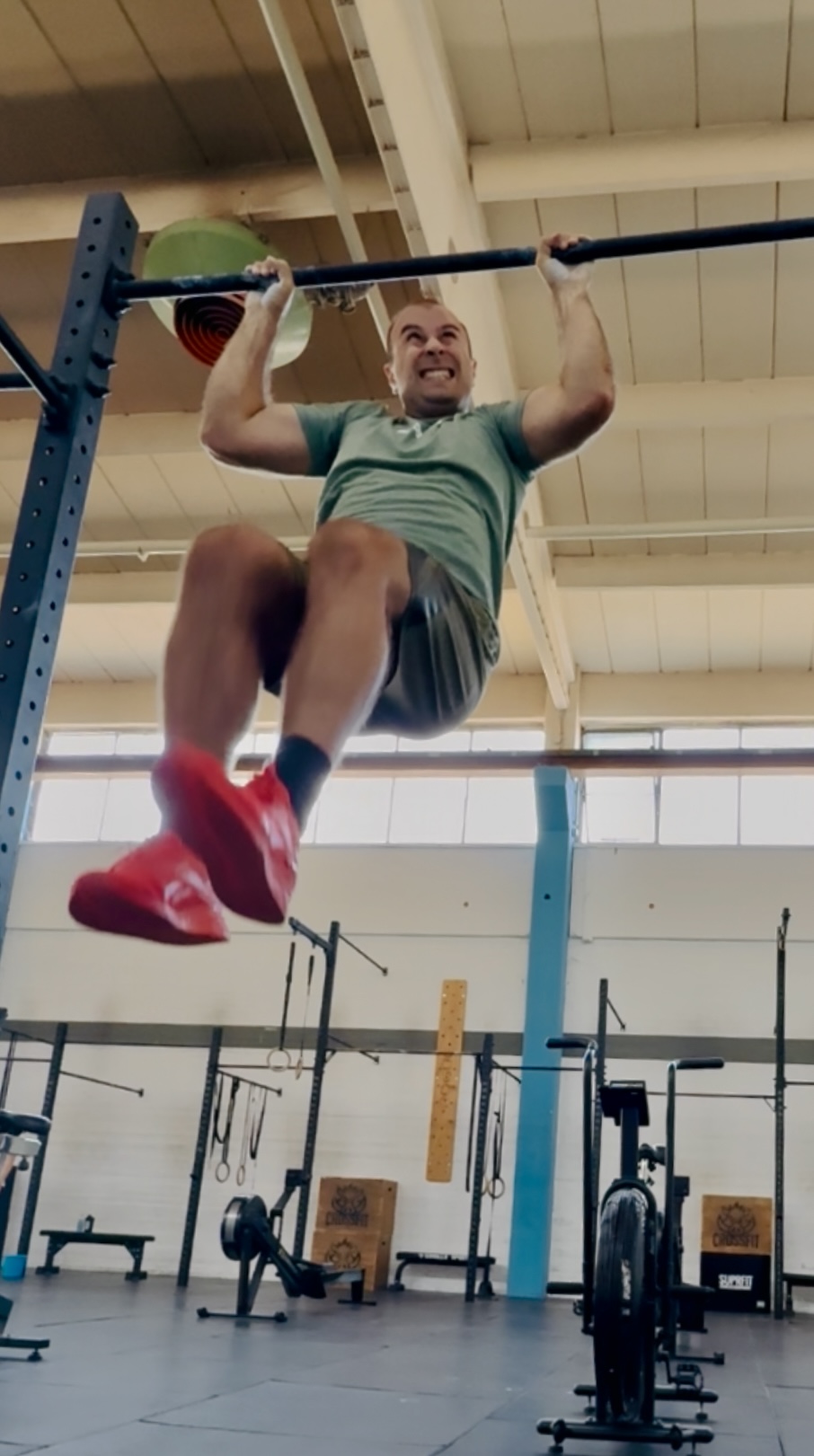
- CrossFit gallery: 9 items (8 short training videos + 1 photo), with video play overlays and lightbox
- Travel photos: 10 items
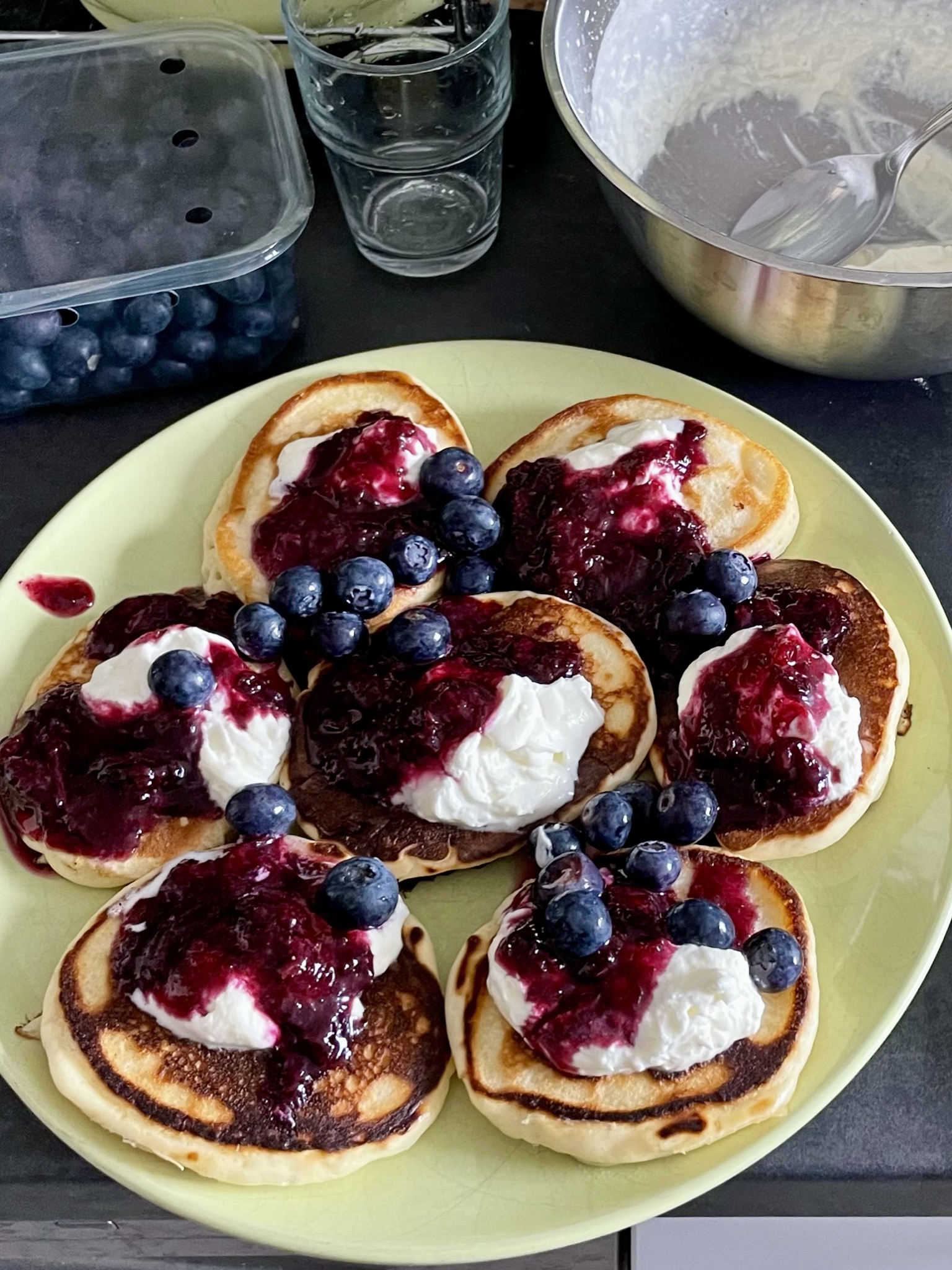
- Food photos: 7 items
- “A bit more about me” section with real photos: childhood, army service (2015–2016), Camino de Santiago
- “Right now” section: Spotify playlist, what I am watching and reading
- Sticky CTA button always visible
The tech stack is vanilla HTML, CSS, and JavaScript — no framework. I wanted something I could deploy to GitHub Pages without thinking about build pipelines.
How the session went
I started on June 13 and finished the main build on June 14. The session log shows 117 user prompts.
About half of them were sent by voice. Claude Code has a voice input mode and I used it throughout, especially for longer Ukrainian-language changes. The transcription is not perfect — there are prompts in the log where the auto-transcription clearly mangled a word — but it was good enough to communicate intent.
The workflow was:
- Describe what I want
- Claude Code writes the code, explains briefly what it did
- I check the local preview
- If something is off, I describe the symptom and ask for a fix
For most features, this took 2–4 iterations. For the bilingual toggle it took more because I kept adjusting copy in both languages. The biggest single source of back-and-forth was content — switching text, fixing translations, adjusting what goes where.
What Claude Code actually did
A few things I would have found annoying or slow to do by hand:
Image and video optimization. I dropped about 40 files into a folder and said “convert images and videos from this folder, name them appropriately based on context, and add them to the right sections.” Claude Code ran commands to generate compressed thumbnails, renamed files based on content, and wired them into the page. That probably saved 2–3 hours of manual work.
Performance fix. The page was loading all 9 videos at once and taking 10+ seconds. I described the symptom. Claude diagnosed it, implemented thumbnail-based previews that load instantly, and deferred full video loading to when the user interacts with the gallery. Page load went from unusable to fast.
UX iteration. I ran the built-in UX Designer agent twice to review the page. It gave a list of issues. I said “implement all the changes.” That worked well for the obvious fixes — icon consistency, button color alignment, spacing. For subjective calls I still had to approve each change manually.
What I had to do myself
It was not fully hands-off.
Uploading images. I had to manually move photos from my phone to a Downloads folder so Claude Code could access them. Not complicated, but the “drop images into the project” step required me.
Running npm commands. The thumbnail generation used a Node.js script. I had to run npm install and npm run build in the terminal myself. Claude Code told me what to run; I ran it.
Content decisions. Every decision about what to include, what to cut, how to phrase something — that was me. Claude Code does not know that “hiking” and “кулінарія” are more accurate than what it initially wrote based on my vague description.
Reviewing on mobile. I tested the site on my actual iPhone. Several things broke that looked fine on desktop — the lightbox close button was unreachable if you had scrolled down, the Instagram button styled differently from WhatsApp, the language switch did not carry over all text. I found these by using the site, not by asking Claude to check.
How it compared to building by hand
Building this by hand would have taken me probably a full weekend — maybe 12–15 hours of focused work. I put in about 2–3 hours of active attention. The full session ran 22 hours on the clock, including overnight breaks and time at work — but I ended the day with a fully working website.
The time I saved was mostly in writing boilerplate HTML/CSS, debugging layout issues, and handling the image pipeline. The time I spent was mostly in reviewing output, making content decisions, and testing on real devices.
The site is live at dmytronayda.github.io.